01
Start with a photo.
Add a photo of your room to your Atelier14 project. Your phone is all you need.
Your home. New possibilities.
A photo of your room. Your ideas. And new possibilities to see before changing a thing.
Imagine my spaceStart by creating your Atelier14 account.
See a transformation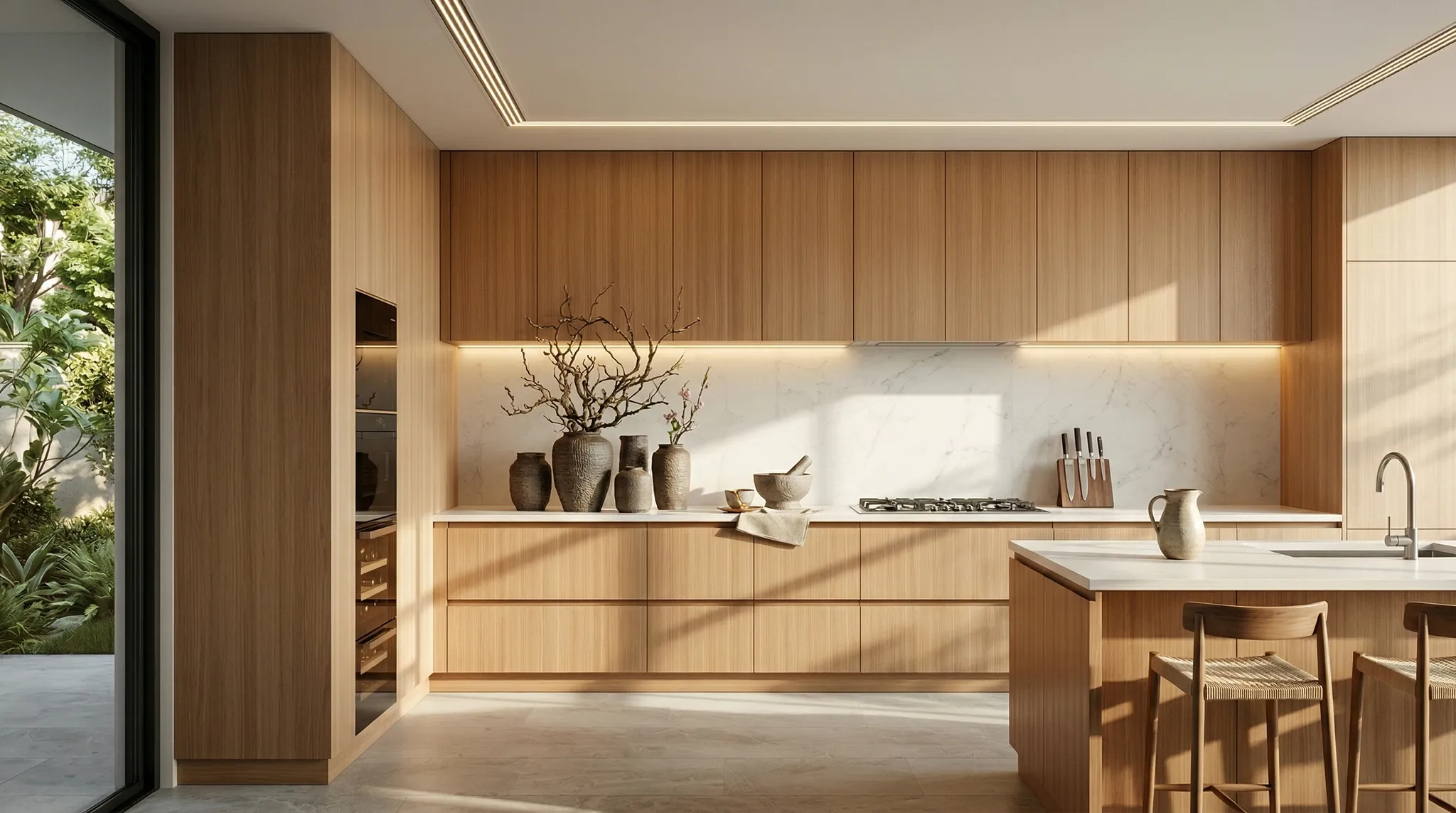
A glimpse of the possibilities
A place that feels like you.
A tangible starting point for your next home project.
Add a photo of your room to your Atelier14 project. Your phone is all you need.
Explore inspirations and describe what you would like to change: colours, materials or atmosphere.
Create visual concepts, compare possibilities and save your favourites.
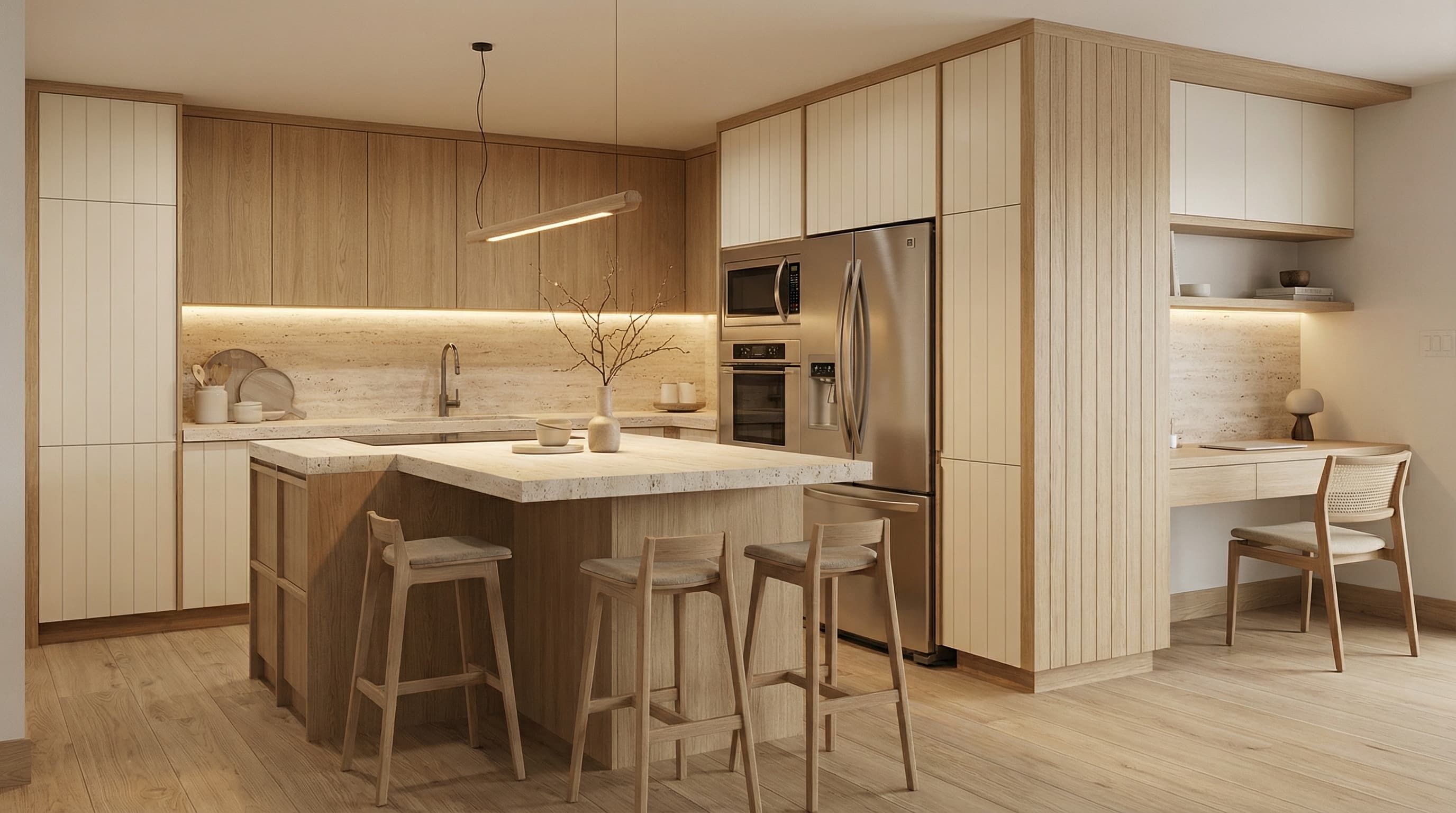
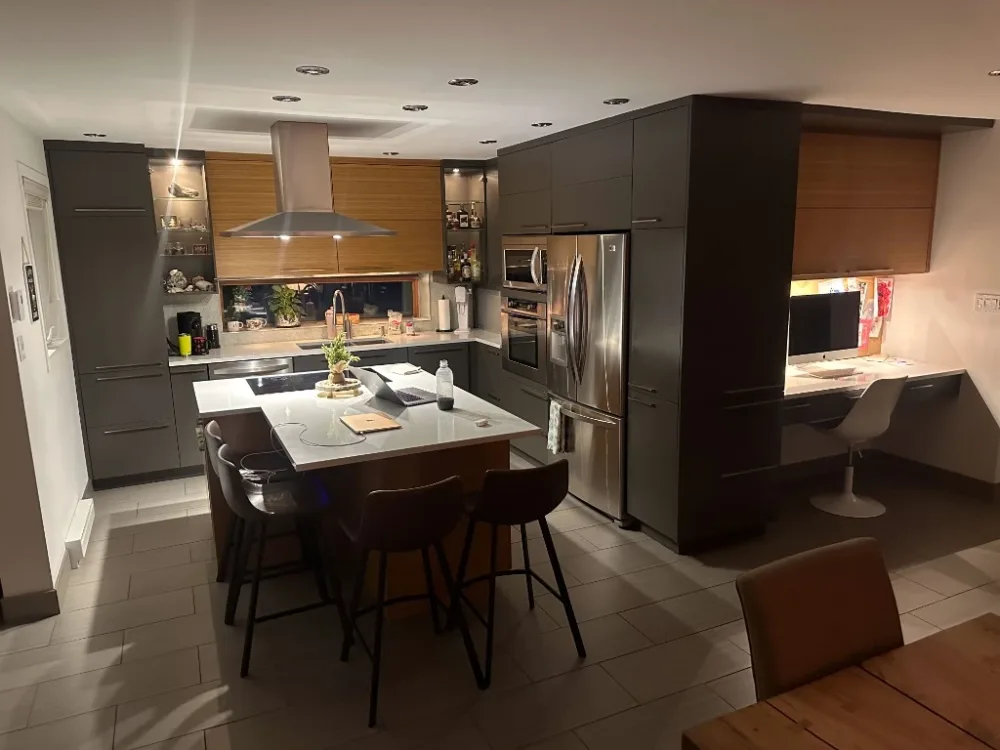
Before you begin
Warmer wood? A different cabinet colour? See how a new direction could transform your room.
Imagine my spaceNo technical knowledge is needed to explore inspirations. To create images, you use Atelier14’s tools: a photo and a description of your ideas are the starting point.
Yes. Upload your photo and describe the elements you would like to keep. You can explore different concepts based on that space.
They are visual concepts to help you choose a direction. Dimensions, materials and feasibility need to be confirmed before purchasing or renovating.
The “Imagine my space” button takes you to Atelier14 account creation. Plans and image creation costs are listed on the pricing page.
Your next chapter starts at home